Scheduled Walk-through on Tablet with syneris APP
In the course of plant tours, the syneris walk-through APP can provide ideal support.
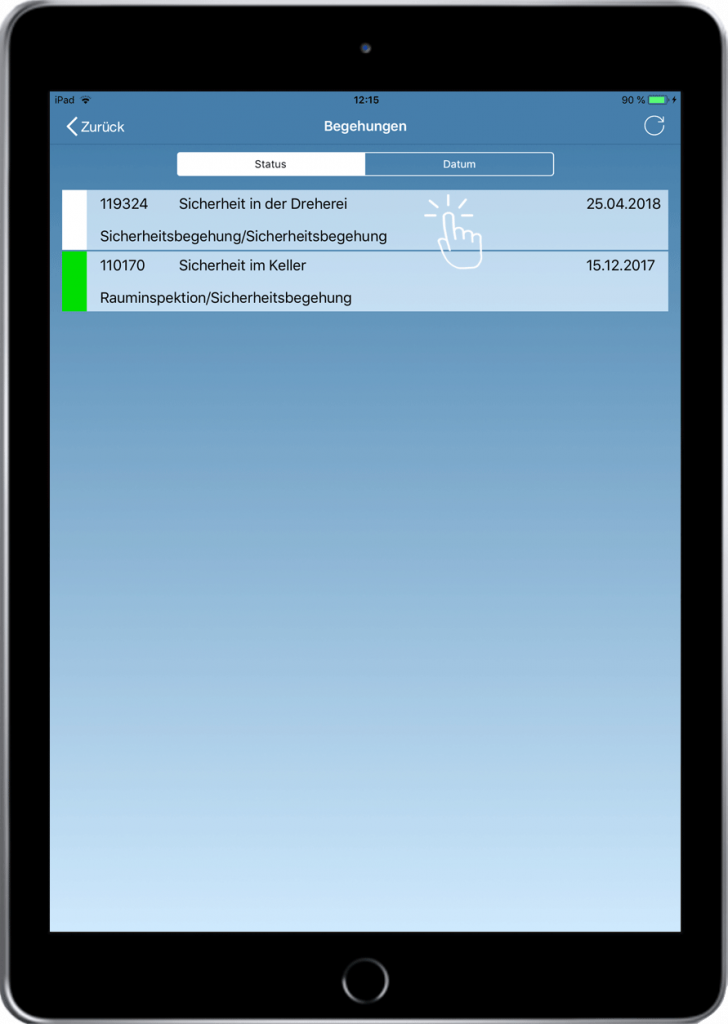
1.
The data is recorded in the syneris main application in advance.
These are specifically selected and synchronized to the tablet before the inspection.
The desired inspection is selected by clicking on the tablet.
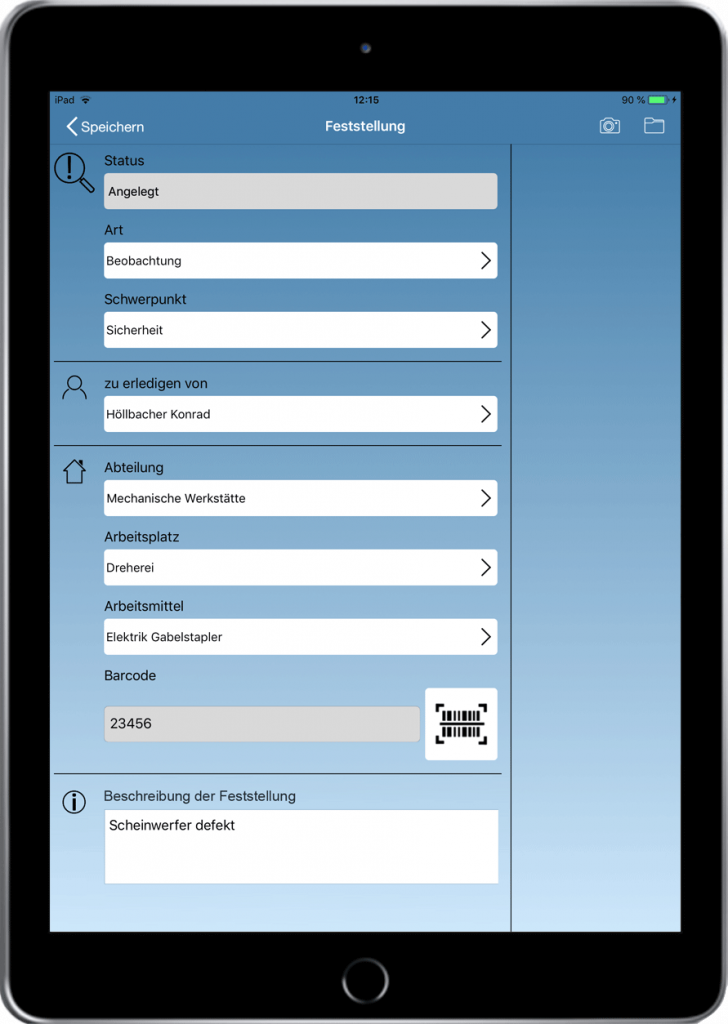
2.
A new finding (e.g. observation or defect) is created.
By scanning the QR code via tablet, object and system data are automatically transferred.
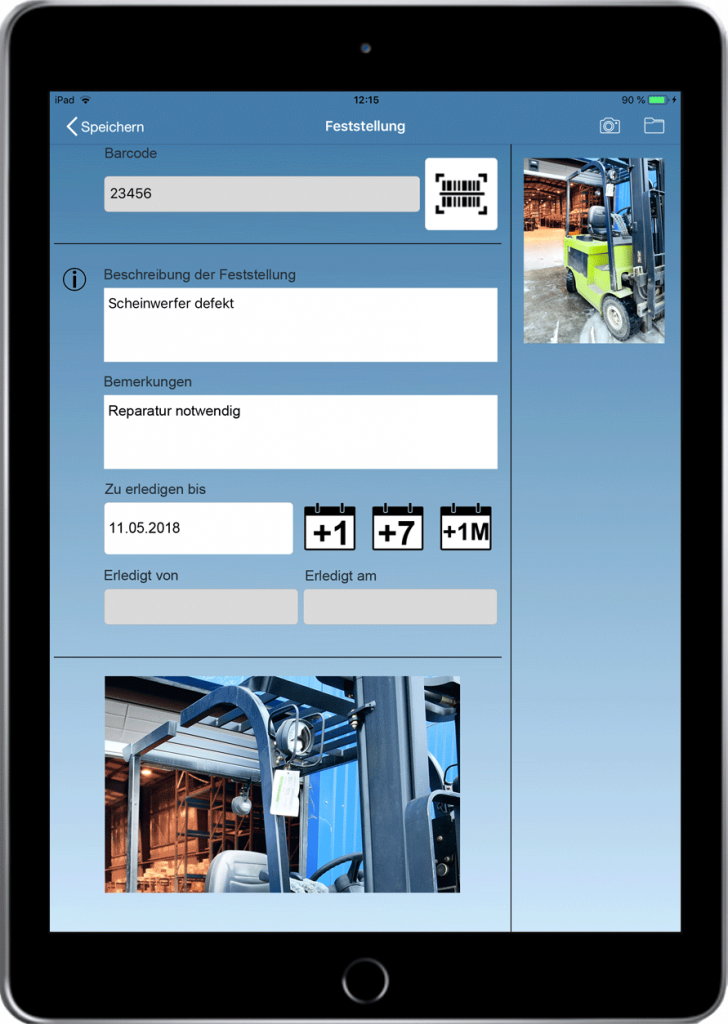
3.
Descriptions, remarks and photos can be stored.
Inspection obligations can be defined in terms of time.
The inspection can also be optimally supported by checklists.
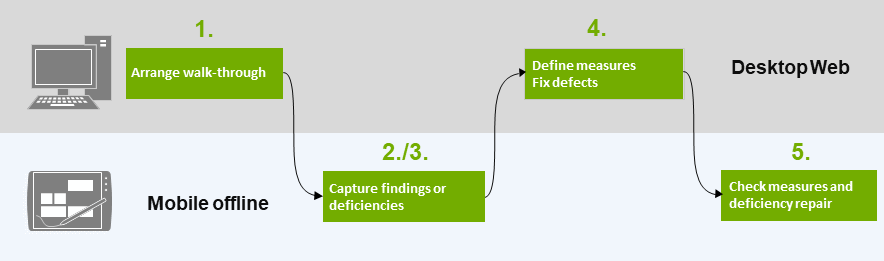
4.
After the inspection, the data is synchronized back to the syneris main application. Tasks or corrective actions created on the tablet are distributed by workflow automatisms.
5.
The mobile control tour is again supported by the syneris APP on the tablet.
Scheduled, app-supported walk-through on the tablet
back to syneris APPs